AI Software for Small Business: A Buyer's Guide
How to choose AI software for a small business: five questions on data, evidence, approval, privacy and cost, red flags, and a simple two-week trial plan.
 The Fluent team9 min read
Na tej strani
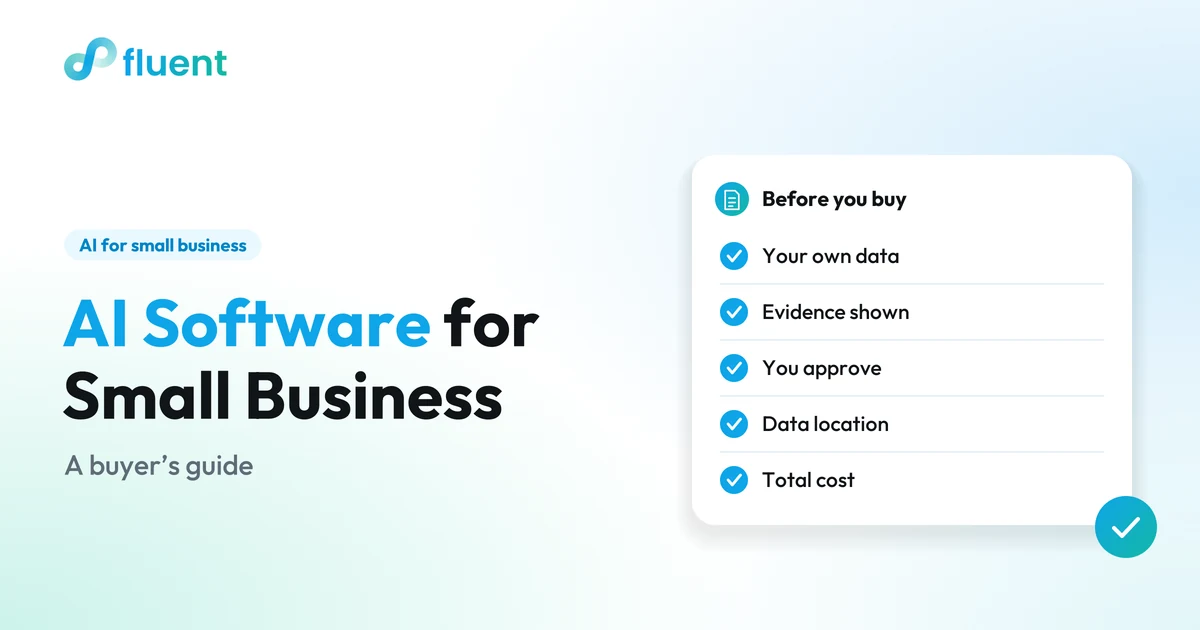
AI software for small business is worth buying when it works from your real sales, bookings, stock and staff data, shows the evidence behind each answer, and lets you approve before anything changes. Without those, you are mostly paying for a general chatbot. Judge any tool on five things: data, evidence, control, privacy and total cost.
Key takeaways
- The AI worth paying for works on the orders, payments, bookings, stock and staff records you already keep.
- Every answer should show the figures and assumptions behind it, so you can check it before you act.
- A tool can draft the order, schedule or reply, but nothing should go out until you approve it.
- Before you sign, get plain answers on where your data is stored, who processes it, and the full monthly cost.
- Test any tool for two weeks on real decisions, and walk away if it can't show its work.
What counts as AI software for a small business?
AI software for a small business is any tool that uses an AI model to answer your questions or draft work for you. Most AI tools for small business fall into three groups, and the group decides whether a tool can help with your actual week.
| Type | What it can see | Good for | Where it stops |
|---|---|---|---|
| General chatbot | Only what you type or paste in | Writing a job ad or rewording a menu | Knows nothing about your sales, bookings or stock |
| AI feature inside one tool | The data in that one tool | Quick help inside that tool | Can't connect bookings to staff, or sales to stock |
| AI assistant in the system you run the business on | Orders, payments, bookings, stock and team together | Day-to-day decisions that depend on your own numbers | Only as good as the records you keep in that system |
Each has its place. A general chatbot is fine for writing; it just can't answer business questions, because it can't see the business. When people talk about AI business software, they usually mean the third type: an AI assistant for small business owners that already knows what sold, who's booked and what's on the shelf.
The third type usually means running more of the business in one place, which is a real decision with its own costs. Weigh the trade-off between all-in-one business software and point solutions before you commit.
What problems should AI software solve for you?
It should take on the questions that eat your evenings: what to order, who to schedule, which customers to answer or follow up with, and why last week looked the way it did. If a tool can't help with one of those in your business, it is solving someone else's problem.
Some illustrative examples:
- A café owner wants to know how much milk and how many pastries to order for Saturday.
- A salon owner wants to fill a quiet Tuesday with a follow-up to regulars who haven't booked lately.
- A clothing shop owner wants to know which sizes to reorder before they run out.
- A bakery owner needs next week's staff schedule to match the customer orders already confirmed.
Each depends on your own records and ends with something to send or change. That is where AI can save you time, and where a mistake costs money. For more jobs worth handing over, see AI workflow automation for small business.
One honest limit: AI can't fix records that don't exist. If your stock lives on paper and your bookings live in a text thread, sort out the system first.
What five questions should you ask before you buy?
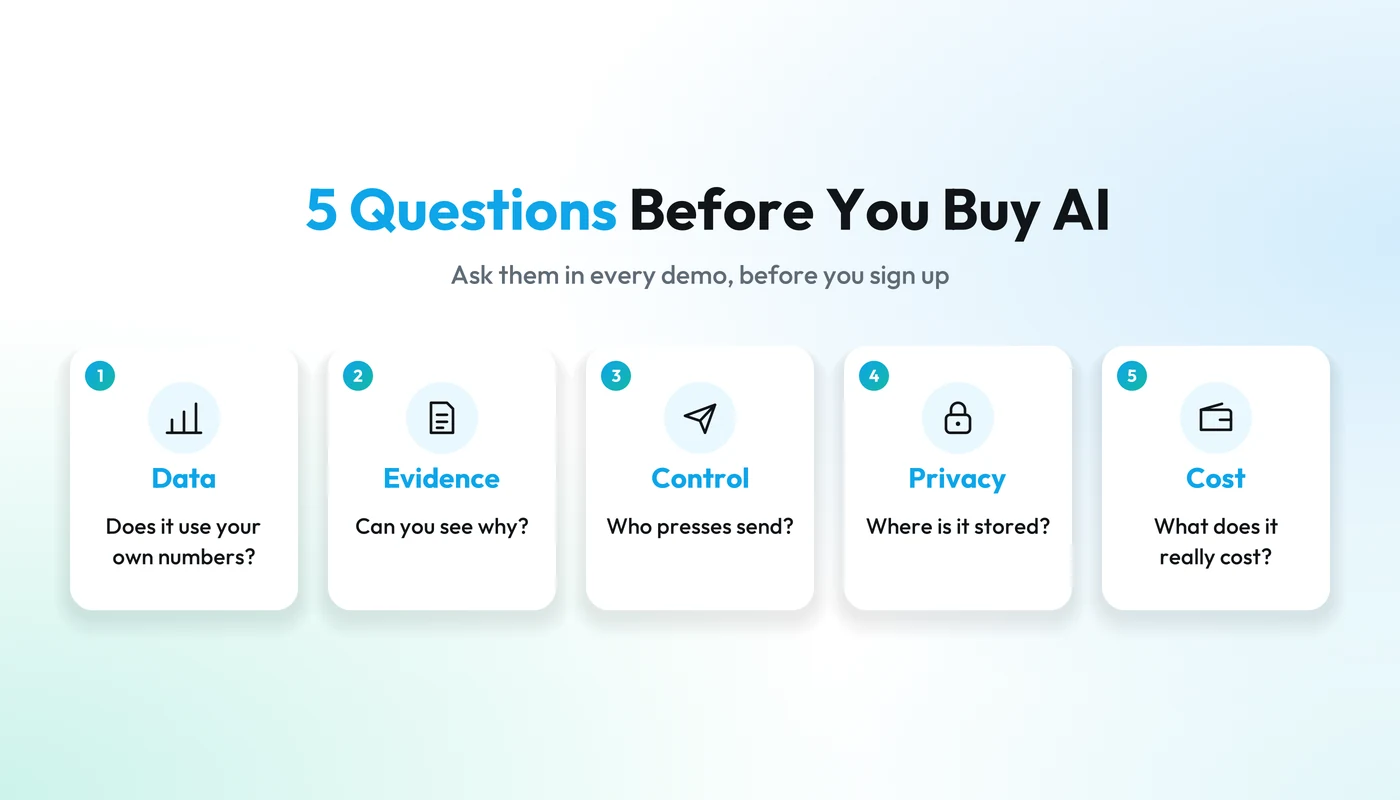
If you're working out how to choose AI software, ask every vendor the same five questions, in a demo, using your own business as the example. A vague answer to any of them tells you more than the feature list does.
1. Does it use your own business data?
The tool should answer from the records you already keep, such as orders, payments, bookings, stock and staff schedules, without you exporting spreadsheets or pasting numbers into a chat box. To test it, ask a question only your data can answer: "Which items sold less this month than last month?" If the reply starts with "upload a file," you are looking at a chatbot with extra steps.
Also ask what it does when data is missing. A good tool tells you it doesn't know. A poor one fills the gap with a confident guess.
2. Does it show its evidence?
Every answer should come with the figures it used and the assumptions it made, so you can check it before you act. Compare two replies to the same question (illustrative):
- "Order 8 cases of milk."
- "Order 8 cases of milk. You used about 10 on each of the last three Saturdays, you have 2 left, and this assumes a normal Saturday with no event nearby."
The second reply can still be wrong, but you can see where it would be wrong. The first asks for blind trust, and you only find out it was off when the fridge is empty.
3. Who approves the action?
You do. The AI should draft the supplier order, the shift plan or the customer reply, and a person should say yes before anything goes out or changes. Ask the vendor to show you the step between the draft and the send. Can you edit the draft? Can you turn down a suggestion without breaking anything?
Be wary of any tool that acts on its own by default: messaging customers, placing orders or changing prices without asking. Saving a click is not worth a wrong order.
4. Where is your data stored, and who processes it?
Get three plain answers, in writing: where your customer, order and payment records are stored; which company processes card payments; and whether your questions go to an outside AI model provider. Your customers trust you with their contact and payment details, so you should know where those details go.
Then ask one more: is your business data used to train the AI model? A vendor that answers quickly and has a page to show you has already thought about it.
5. What does it really cost?
The real cost is the monthly price plus everything around it: setup, extra users or locations, payment processing fees, any add-on for the AI itself, and the hours spent getting it running. Ask for the full cost for a business your size, in writing.
Then weigh it against the tools it replaces. A tool that lets you cancel two others can come out cheaper even at a higher price. One that adds yet another subscription rarely does.
Put the first three answers together, and a good exchange looks like this:
What are the red flags?
The two biggest red flags are a tool that acts without asking you and a tool that answers without showing why. Use this table in any demo or trial.
| Area | Green flag | Red flag |
|---|---|---|
| Data | Answers from your own orders, bookings, stock and schedules | Needs you to export, upload or paste data first |
| Evidence | Shows the figures and assumptions behind each answer | Gives a confident answer with nothing to check |
| Control | Drafts the order, shift or message and waits for your yes | Sends, orders or changes things by default |
| Privacy | Says where data is stored and who processes it, in writing | Can't say, or points you to the fine print |
| Cost | Gives a full monthly figure, including payments and add-ons | Shows a starting price and talks around the rest |
| Promises | Shows you what it does and lets you judge | Guarantees savings, accuracy or growth |
| Trial | Lets you try it on your own business before you commit | Won't let you test it on your own numbers before you sign |
One red flag isn't always a deal-breaker: a vague answer on cost can be fixed with a follow-up email. A tool that acts without your approval, or can't tell you where your data goes, is.
How do you run a two-week trial?
Pick a few real decisions from your week, run them through the tool for two weeks, and compare its drafts with what you would have done. Two weeks covers every weekday twice, busy and quiet.
- Write your questions down first. Choose three to five you actually ask every week: what to reorder, how to staff Saturday, which regulars haven't been back.
- Use real data. Sample data proves the demo works, not that the tool works for you. Ask how much history it needs.
- Week one: ask, don't act. Read the evidence and compare each answer with what you would have decided.
- Week two: let it draft. Have it prepare the supplier order, the shift plan and a few customer replies. Approve each one yourself, and note how much you had to change.
- Test the edges. Ask something it can't know and see whether it says so. Ask it to send something and confirm it waits for your yes.
- Keep a short log. One line per question: what it said, whether the evidence held up, and what you changed.
- Decide on the evidence. Add up the full cost, read your log, and keep it, extend the trial, or walk away.
Practical tip
Start with a question you already know the answer to. If the tool gets it wrong, or can't show how it got there, you've learned what you need in five minutes.
Where does Fluent AI fit?
Fluent AI is the third type from the table above: an AI assistant built into Fluent, one system to run a local business, so it works from the orders, payments, bookings, stock and team information already there. Here is how it answers the five questions.
- Data. Fluent has products for restaurants and cafés, retail shops, bakeries, barbers and salons, and event organizers. You ask Fluent AI about your business in plain words, and it answers from the records already in Fluent: today's takings, what is running low, your busiest hours, which regulars have gone quiet, the bookings waiting for a reply. Confirm which AI workflows fit your business in a demo.
- Evidence. It shows the evidence and assumptions behind an answer, so you can check it before acting.
- Control. It prepares the next step, such as a draft invoice or quote, a reply to a booking request, a refund or a payment link, and it lists the customers worth a follow-up. Nothing is sent or changed until you click confirm.
- Privacy. Customer, order and payment records are stored on Swiss infrastructure (AWS, Zurich region). Payments are processed by certified payment partners, not by Fluent. Fluent AI always uses the most advanced AI models available, from a third-party provider. The details are on the Fluent trust and security page.
- Cost. Current pricing is on the Fluent pricing page, shown in your currency.
The trade-off is the one from the first section: Fluent AI is most useful when your orders, bookings, stock and shifts run on Fluent. That is a bigger step than adding a chatbot, and the right call depends on how well your current tools work for you.
The examples on the Fluent AI page use illustrative sample data, so bring your own five questions to a demo. It takes 15 minutes, by WhatsApp, phone call or Google Meet.

FLUENT AI
Put Fluent AI to the five-question test in a 15-minute demo
Vprašajte o svojem poslu, preglejte podatke in pripravite naslednji korak. Uporaben pomočnik za vsakodnevne odločitve in delo.
Frequently asked questions
What is the best AI software for small business?
There is no single best AI software for small business, because the right tool depends on what you need help with. For writing, a general chatbot is often enough. For decisions about orders, staffing and customers, the best fit is software that works on your own data, shows its evidence and waits for your approval.
Is my business too small for AI software?
Usually not. If you already record sales, bookings or stock in a system, AI software has something to work with. Size matters less than whether your information is in one place the AI can read. A one-location café with clean records can get more from it than a bigger business with numbers spread across paper and apps.
Is a free AI chatbot good enough for a small business?
A free chatbot is good enough for writing tasks such as job ads, menu descriptions and social posts. It is not built for decisions that depend on your numbers, because it can't see them. You would have to paste in sales or customer data yourself, which takes time and sends customer details outside your own systems.
Will AI software replace my staff?
AI software is not a replacement for staff, and you should be wary of any tool sold that way. It takes on the paperwork around the work: drafting schedules, preparing orders, writing replies. Your team still serves customers, and you still approve what goes out. Any time saved can go back to the floor, the counter or the chair.