AI Workflow Automation for Small Business: 9 Things Worth Automating
Nine small business workflows worth automating with AI, from reorders to shift drafts, what to keep human, and how to start without losing control.
 The Fluent team8 min read
On this page
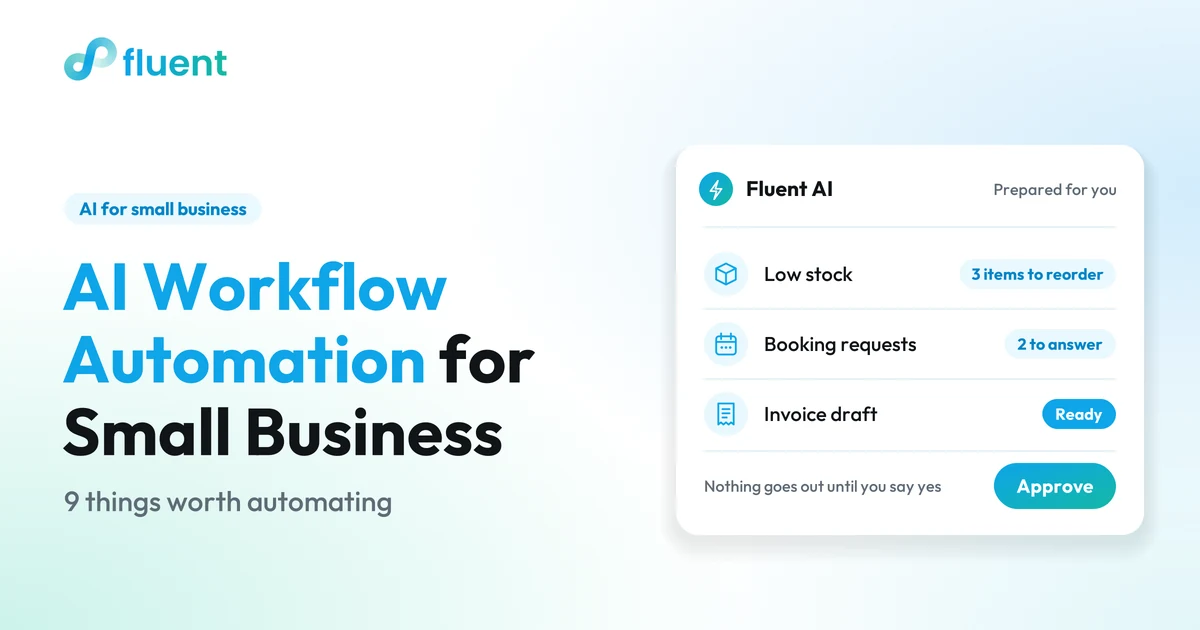
AI workflow automation for a small business means software prepares repeat work, such as supplier reorders, next week's shift schedule, customer follow-ups and daily summaries, from data you already have, and you approve it before anything goes out. Start with tasks that are frequent, rule-based, backed by existing data and easy to check.
Key takeaways
- With AI workflow automation, software drafts the order, the schedule or the message, and you make the call.
- The best first tasks are frequent, rule-based, backed by data and quick to check.
- Decisions about money, people and unhappy customers stay with a person.
- Run one workflow as drafts only before you add the next.
What is AI workflow automation for a small business?
AI workflow automation is software that prepares a repeating job from your own business data and stops at a draft for you to approve. It does the counting, sorting and first writing.
Classic small business automation follows fixed rules: when a booking is accepted, send this email. AI helps when the task changes from week to week, like how much bread to bake or who works Saturday: it weighs your sales, stock and bookings and suggests an answer.
That is the idea behind useful AI automation for small business owners: automate the preparation, keep the decision.
Which tasks are worth automating first?
The tasks worth automating first happen every week, follow rules you could teach a new hire, already have data behind them and take a minute to check. If a task fails a test, leave it for later.
| Test | Ask yourself |
|---|---|
| Frequent | Do I do this every day or every week? |
| Rule-based | Could I explain it to a new hire? |
| Data exists | Is the information already recorded in my system? |
| Easy to check | Can I tell at a glance whether the draft is right? |
The safest way to automate small business tasks is to start with the boring ones: reorders, schedules, follow-ups and summaries.
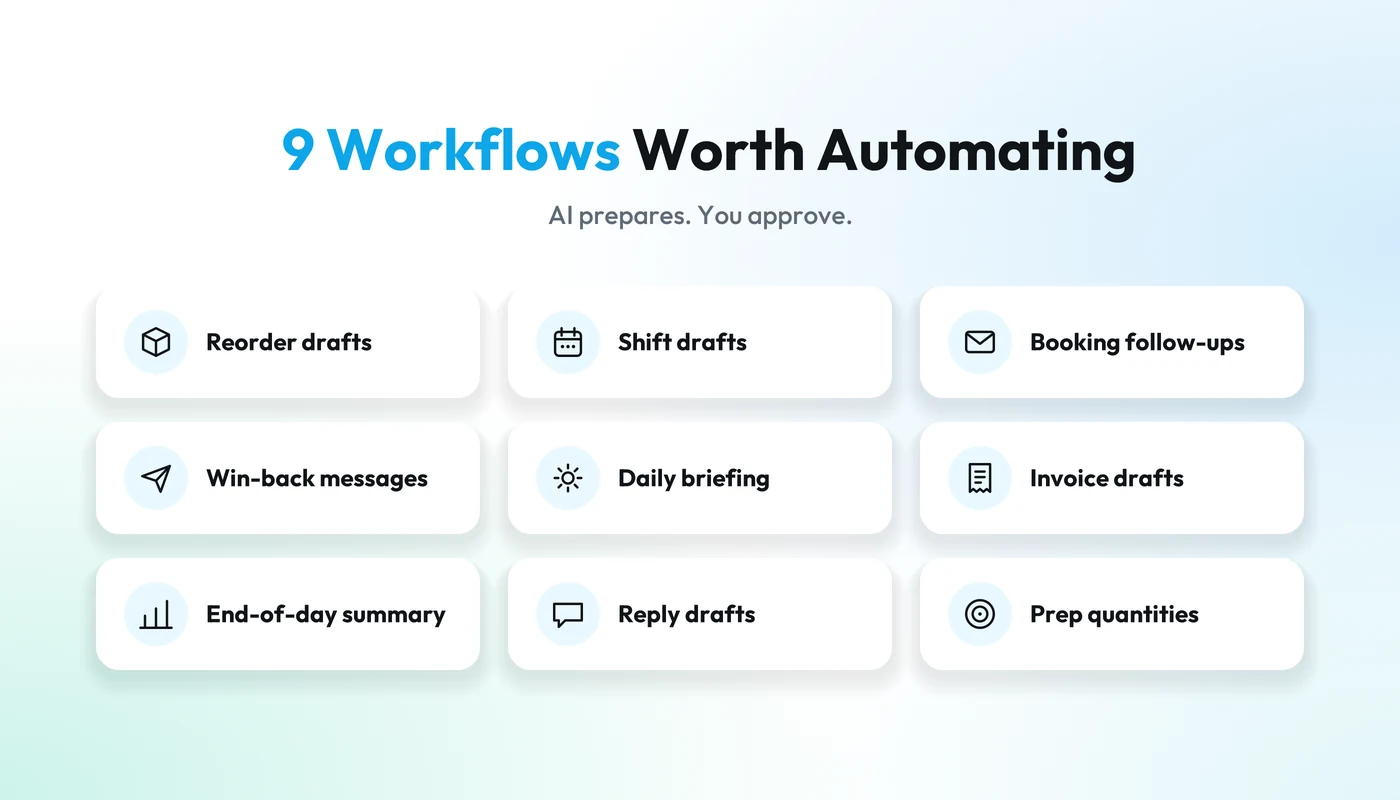
What are 9 workflows worth automating with AI?
Each workflow lists what AI prepares, the data it needs and what you check. The worked examples are illustrative.
1. Reorder drafts when stock runs low
Running out of oat milk on a Saturday is avoidable if someone checks the numbers on Thursday.
- AI prepares: a supplier order draft listing what is below your usual level and how much to order.
- Data it needs: current stock, recent sales by item, and your usual order sizes and delivery days.
- You check: what the numbers can't see, such as a menu change, a promotion or a supplier running short.
Illustrative example: you sold 40 cartons last week and have 12 left, so the draft suggests three cases of 12 and shows the math.
2. Next week's shift draft from expected demand
The weekly schedule is a puzzle of who is free, who can open and how busy each day will be.
- AI prepares: a draft schedule with more people on the usually busy shifts and fewer on the quiet ones.
- Data it needs: staff availability and roles, past sales or bookings by day and hour, and known events, such as a holiday or a street market.
- You check: the people side. The draft doesn't know someone asked for Saturday off at the counter, or that a new hire shouldn't close alone yet.
3. Booking confirmations and follow-ups
For barbers, salons and other appointment businesses, every booking leaves a trail of small messages.
- AI prepares: the confirmation when you accept a time, a note when it changes, and a follow-up after the visit inviting the client back.
- Data it needs: the booking, the client's contact details and history, and their permission to receive follow-ups.
- You check: the wording of each kind of message, and anything unusual, like a client who has moved the same appointment three times.
4. Win-back messages for lapsed customers
Regulars drift away quietly, and it is easy not to notice for months.
- AI prepares: a list of regulars who haven't been in lately, with a short message for each group, perhaps with a loyalty reward or gift card.
- Data it needs: visit or purchase history for each customer, and their permission to be contacted.
- You check: who is on the list (someone who complained shouldn't get a cheerful "we miss you") and whether the offer suits your margins.
Illustrative example: a barber's clients who used to book every four weeks and haven't booked in ten. More on this in our guide to AI for small business marketing.
5. A daily briefing of what needs attention
Instead of checking several screens before opening, you read one short note.
- AI prepares: what is running low, which shifts are thin, which orders or messages are waiting, and anything unusual in yesterday's sales.
- Data it needs: the same data as the rest of this list, ideally in one system.
- You check: what it flagged and what it missed. The briefing tells you where to look; you decide what to do.
6. Invoice drafts from completed orders
Catering jobs and business accounts need invoices, which are easy to put off after a long day.
- AI prepares: an invoice draft for each completed order that needs one, with items, quantities and customer details filled in.
- Data it needs: the order, the customer's billing details, and your tax rates and payment terms.
- You check: prices, any discount you agreed in person, and that what was delivered matches the order.
7. An end-of-day sales summary
The day's numbers should take a minute to read, not an evening to put together.
- AI prepares: a few lines on total sales against the same day last week, the best and slowest sellers, how people paid and anything that looks off.
- Data it needs: the day's orders and payments, plus enough history to compare against.
- You check: anything flagged, like a cash total that doesn't match the drawer or more refunds than usual.
8. Drafted replies to customer messages and reviews
Customers ask the same things every week: opening hours, whether a size is in stock, whether Saturday has a free slot.
- AI prepares: a reply in your tone that answers from what the system knows, such as bookings, stock or the menu, and admits when it doesn't know.
- Data it needs: your menu or product list, stock, availability and a few examples of how you write.
- You check: every reply before it goes out. A thank-you for a kind review is low risk; anything about allergens, refunds or a complaint needs your own judgment.
9. Prep or production quantities from confirmed orders
Bakeries, central kitchens and caterers plan tomorrow from confirmed orders plus a guess at walk-in demand.
- AI prepares: a production plan with how many of each item to make and the ingredients needed.
- Data it needs: confirmed customer orders, recipes with ingredient quantities, ingredient stock and past walk-in sales.
- You check: the walk-in estimate. Illustrative example: confirmed orders for 120 rolls plus a usual Saturday counter of about 80 gives a plan for 200, which you might trim if rain is forecast.
What should stay human?
Decisions should stay human, especially anything that spends money, affects a person or answers an unhappy customer. AI can prepare these; it shouldn't finalize them.
- Money. Supplier orders, refunds, discounts and prices. A wrong number in a draft costs nothing; a wrong number sent out costs money.
- People. Final schedules, time off, pay and performance. Your team should know a person made the call.
- Unhappy or worried customers. Complaints, bad reviews and allergy questions need your judgment and your name.
- Who you contact. Message only customers who agreed to hear from you.
- Anything new. AI drafts from history, and a new product or an unusual week has none.
If you would want to know about it before it happened, it should wait for your approval.
How do you start without breaking anything?
Start with one workflow, run it as drafts only, and add the next when the first is routine. Still comparing tools? Our buyer's guide to AI software for small business covers what to ask before you sign up.
- Pick one workflow. Choose the job on this list you do most often and enjoy least.
- Check the data behind it. Are stock counts current, bookings in the system and customer permissions recorded?
- Run it as drafts only. For a few weeks, compare each draft with what you would have done, then approve, change or reject it.
- Note what you change. If you keep fixing the same thing, fix the data or the rule underneath.
- Decide who approves when you're away. Name one person, or let the drafts wait.
- Add the next workflow once the first runs without surprises.
Practical tip
Keep the first workflow small enough that a bad draft would be harmless: a reorder for one supplier, not your whole stock list.
How does Fluent AI approach workflow automation?
Fluent AI works the way this article recommends: it prepares the work from your own data, shows what each answer is based on, and nothing is sent or changed until you confirm it. It sits inside Fluent, one system for restaurants and cafés, retail shops, bakeries and production kitchens (Food Lab), barbers and other appointment businesses (Booking), and events, so orders, payments, bookings, stock and team information are already in one place, next to Fluent tools such as Shifts, Invoicing and Email & SMS.
Here is where each workflow on this list stands in Fluent today:
| Workflow | In Fluent today |
|---|---|
| 1. Reorders | Fluent AI flags what will run out within about a week and the best-sellers near their reorder point; you place the order |
| 2. Shift drafts | You plan shifts in Shifts; Fluent AI shows open shifts and hours worked |
| 3. Booking follow-ups | Fluent AI proposes accepting, declining or moving a request, and the client gets an email each time |
| 4. Win-back | Fluent AI lists regulars who have gone quiet; you send from Email & SMS |
| 5. Daily briefing | Fluent AI summarizes takings, pending payouts and low stock |
| 6. Invoices | Fluent AI drafts the invoice or quote; sending is a separate yes |
| 7. Sales summary | Best sellers, busiest hours and payment methods, on request |
| 8. Replies | Booking replies today; a first draft of any other message in the chat |
| 9. Production | Food Lab turns confirmed orders and recipes into the production plan |
In Booking, automatic reminders are coming soon; Email & SMS follow-ups are available now. Bring the workflow you most want to hand over to a demo, and check how it would run on your own data.

FLUENT AI
See your own workflows in a 15-minute Fluent demo
Ask about your business, explore the evidence and prepare the next step. A useful assistant for the decisions and work in your day.
Frequently asked questions
Will AI send messages to my customers without asking me?
That depends on the tool, so check before you connect one to your customer list. In Fluent, nothing is sent or changed until you approve it: Fluent AI prepares the reply or follow-up and waits for your yes. With any tool, message only customers who have given you permission to contact them.
How do I know whether an AI draft is right?
Ask what it is based on. A useful AI workflow shows the numbers and assumptions behind each draft, such as last week's sales or current stock, so a wrong input is easy to spot. Fluent AI shows the evidence and assumptions behind its answers. If a tool can't explain a draft, don't approve it.
Do I need technical skills or a lot of data to start?
Technical skills matter less than data. Each workflow needs its information recorded consistently: sales, stock counts, bookings or staff availability. When those live in one system, there is little to connect. If your stock counts are still on paper, record them for a few weeks before you automate reorders.
Will AI workflow automation replace my staff?
It shouldn't. The workflows on this list draft the counting, copying and first writing that fill everyone's day, and a person still checks and approves each result. The aim is less time on paperwork and more for customers, your team and the decisions only you can make.