For independent barbershops and small chains that want fewer no-shows and less admin, Fluent's barbershop software keeps online booking with deposits or prepayment, client history, payments, your team's schedule and an AI assistant in one system, so you spend the day behind the chair, not behind a screen.
How does online booking with deposits protect your chair?
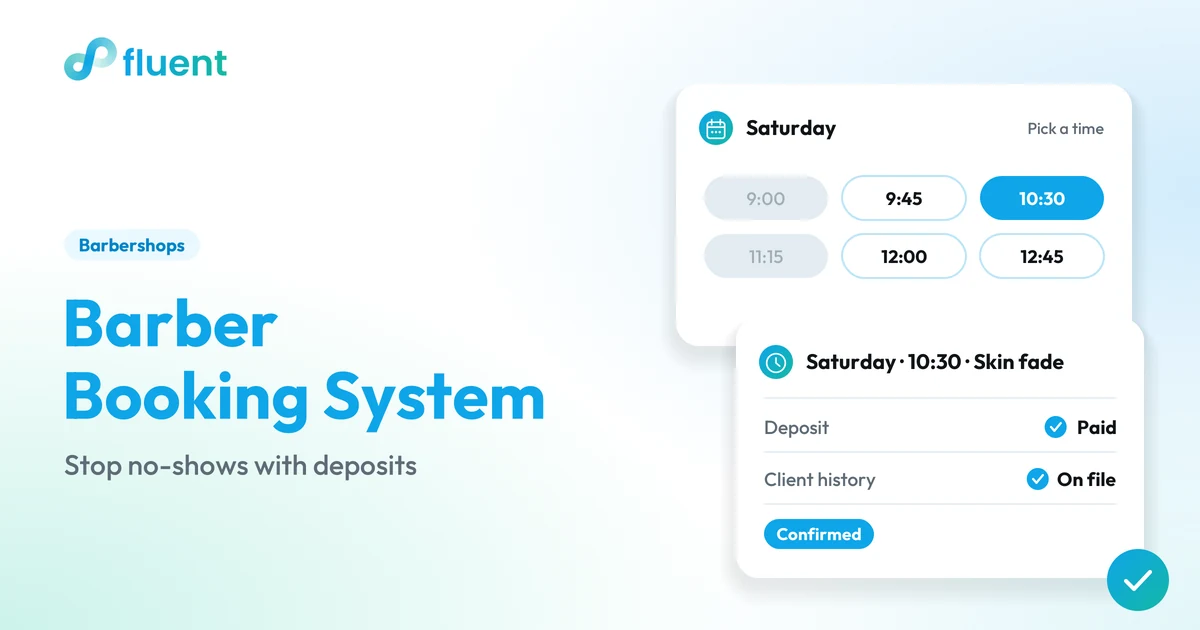
You get a booking page that works while you cut, and the option to take money down when a slot is booked. With Fluent Booking, clients request a time from your online booking page, and you accept, decline or propose another time. An email goes out on every change.
When a client books, you can take a deposit or the full price up front through Fluent's payment partners (in the US, Stripe handles card payments; options vary by country and setup). Money on the line changes how a client treats the slot. And since you approve each request, you decide how much of Saturday stays open for walk-ins.
State your no-show policy in your confirmation message and wherever clients find your booking link. For how much to ask and how to word it, see our guide to stopping no-shows with a barber booking system.
Can you see every client's history at the chair?
You get the client's story before they sit down. Each client's history sits with the appointment, so whoever is on the chair sees past visits instead of asking "what did we do last time?" That matters most on a packed Friday, when a regular lands with a new barber.
Add notes to a client's record, like guard numbers or how they like the neckline, and they are there for the next visit. That's the point of software for barbers: the booking, the deposit, the cut and the next visit stay tied to the same client.
Can you handle payments, tips and the end of the day in one place?
You get one place to take the money and see the day. Whether you call it a barbershop POS or the register, payment happens in the same system as the book: at the counter, by payment link or by QR code, for booked clients and walk-ins alike.
Clients can add a tip when they pay, and tips are recorded per barber, so paying them out is not guesswork.
At closing, ask Fluent AI for today's revenue, the split by payment method, or the week's sales and tips per barber. No adding up receipts at the counter.
How do you plan your team's week?
You get a week staffed for the work you actually have. Ask Fluent AI for your busiest hours, then build each barber's schedule around them in Shifts: more chairs covered for the Saturday rush, fewer for a quiet Tuesday. Shifts can sync to Google Calendar, so every barber knows when they are on.
When clients book online, they can pick from the barbers who are free at the time they want.
On the day, Fluent AI shows which shifts are still open and the hours each barber has worked.
How do you bring regulars back?
You get three ways to keep regulars coming back, in the same system as the book:
Loyalty & rewards for the clients who keep a chair busy month after month.
Gift cards to sell for birthdays, holidays and Father's Day.
Email & SMS follow-ups to clients who have agreed to hear from you: a note when it has been a while since their last cut, or a heads-up when you add Sunday hours.
What can Fluent AI do for a barbershop?
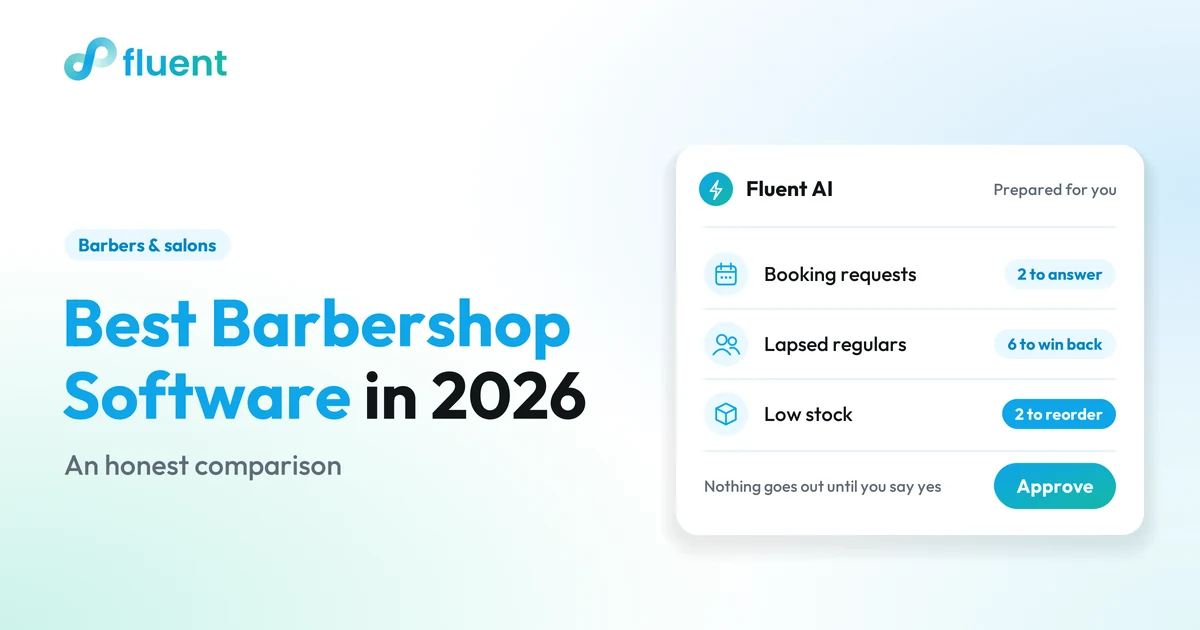
You get straight answers when you ask about your shop in plain words, and the next step lined up for your yes. Fluent AI works from the bookings, payments, clients and team data already in Fluent, shows the evidence behind each answer, and changes nothing until you click Confirm. Illustrative questions:
"What's waiting in my booking inbox?" Pending requests and free slots, with a proposal to accept, decline, offer another time or book the client in.
"Which regulars haven't been in for six weeks?" A list, most valuable first, plus a follow-up text you send from Email & SMS.
"Who were this month's new clients?" A list to invite back for a second visit.
How hard is it to switch barbershop software?
You get help moving over and a clear answer before you change anything. If you juggle a barbershop booking app, a separate payment app and a group chat for shifts today, switching puts it all in one system.
Fluent AI can bring in your price list from a spreadsheet. For the rest, tell us what you use today and we'll plan the move with you; what moves and how much work it takes depend on your current system. Book a demo and go through your setup with us before you commit.
PRICING THAT FITS YOUR WORK
Pricing for Booking.
Find the product, then the plan and tools for your business.
USDCurrency follows your country
Most chosen
Beauty Pro
$19
per month30-day free trial
Fill your calendar 24/7 with your booking link, reminders and self-booking - keep every new client.
Own the relationship: client records, visit history and a loyalty wallet that's yours.
Just ask Fluent AI how your week looks, with a Daily Briefing each morning.
Cards, Apple Pay, Google Pay, TWINT, QR - no Fluent commission on a single booking.
Sell in EN/DE/FR/IT and any currency, receipts and invoices built in.
Your calendar, 100 services, 1 terminal, 2 team logins.
Prices come from the Fluent product catalogue and update automatically. Taxes may apply. Payment processing, hardware and setup depend on your provider and agreement.
YOUR PRODUCT, YOUR TOOLS
A clearer day, one appointment at a time.
Appointments, availability, customers and payments in the same operation. Keep your attention on the person in the chair.
Not yet. Automatic reminders by SMS or email before the visit are coming to Fluent Booking soon. Today, an email notification goes out on every booking change, such as a request accepted, declined or given a new time, and you can send Email & SMS follow-ups to clients who have agreed to hear from you.
Which payment providers and card readers does Fluent work with?
Fluent connects to certified payment partners: Stripe for card payments and payment links in the US, SumUp for card readers, and NAKA and PayConnect, depending on your country and setup. The partner processes the payment, not Fluent. Fluent is designed to work with standard hardware, and we confirm your exact setup in a demo.
What happens in the 15-minute demo?
It takes 15 minutes on WhatsApp, a phone call or Google Meet, whichever you prefer. It is the place to ask what your shop needs: what moves over from your current system, which Fluent AI workflows fit your day, and which payment options and hardware work in your country.
How a barber booking system cuts no-shows: deposits or prepayment at booking, a clear cancellation policy, reminders, and a quick way to rebook the chair.
An honest comparison of barbershop software in 2026: booking, deposits, payments, client records, team tools and pricing, and which shop each one suits.
·10 min read
15-minute demo
Keep every chair busy: book a 15-minute demo
On WhatsApp, by phone or on Google Meet: you choose.