AI for local businesses: what an assistant can really do today
What an AI assistant can realistically do for a café, shop or salon today, what it can't, and six questions to ask before you trust one with your business.
 The Fluent team8 min read
On this page
- What is an AI assistant for a local business?
- What can an AI assistant realistically do today?
- What can't an AI assistant do (yet)?
- A worked example: from question to approved order
- How to judge an AI assistant before you trust it
- How to get started: a 30-day plan
- Where Fluent AI fits
- Frequently asked questions
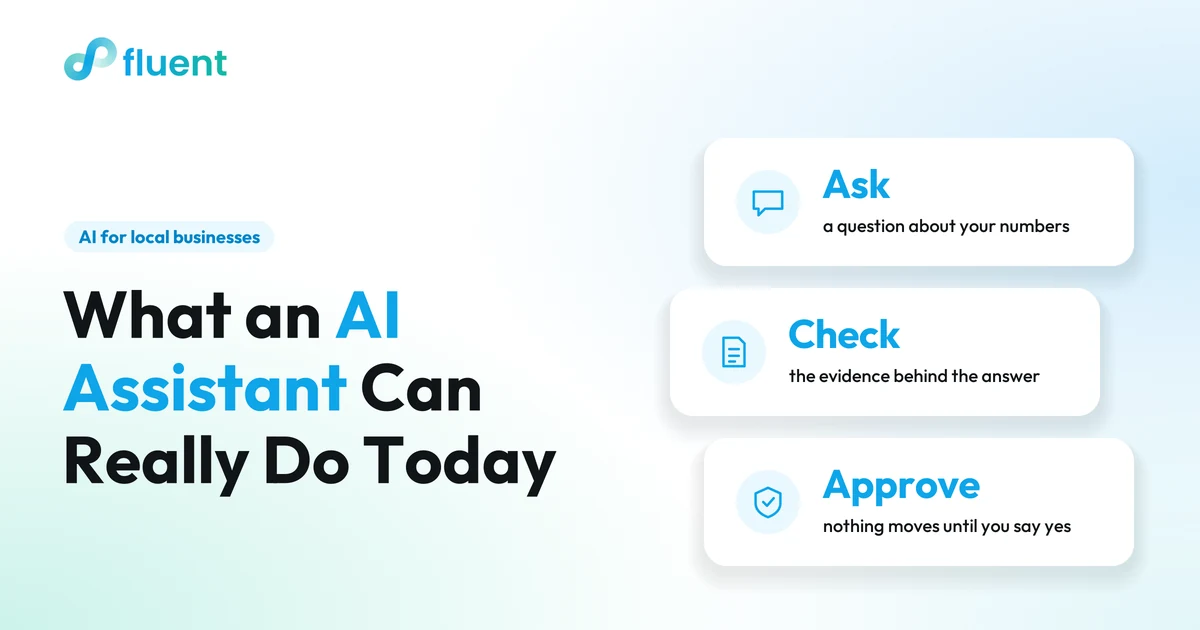
An AI assistant can already do three useful things for a café, shop or salon: answer questions about your own numbers in plain language, point out what needs your attention, and draft routine work such as rotas, supplier orders, invoices and replies to booking requests for you to check. It can't know what isn't recorded, guarantee a forecast or replace your judgement. So the useful question isn't whether to use AI, but which jobs to give it and how to check its work.
Key takeaways
- A useful assistant is connected to your own data: sales, stock, bookings and the team rota.
- Realistic jobs today: answering questions about your numbers, flagging what needs attention, and drafting rotas, supplier orders, invoices and booking replies for your approval.
- It can't see what isn't recorded, can't promise a forecast and shouldn't make decisions about people.
- Judge any assistant on three things first: what data it can access, whether it shows the evidence behind each answer, and whether anything happens without your approval.
- Start with one recurring question, check its answers against your own for a few weeks, then let it draft.
What is an AI assistant for a local business?
An AI assistant is a chat-style tool you can ask questions in everyday language. The kind that matters for a local business is connected to the systems you run the business on: your till, stock, bookings and staff schedule.
That connection is the whole difference. A general-purpose chatbot only knows what you paste into it. Ask it "what sold best last Saturday?" and it can only guess or ask you for the figures. An assistant connected to your sales can look it up, show you the records and keep the context for your next question.
Under the hood there are three parts: a language model that understands and writes text, access to your business data, and rules about what it may do with that data, for example drafting an order but not sending it.
What can an AI assistant realistically do today?
Answer questions about your own numbers
This is the most immediately useful job, because the answers are already in your data; they are just slow to dig out. For example:
- Café: "What were our busiest hours last Saturday, and what sold best?"
- Shop: "Which best sellers have less than a week of stock?"
- Salon: "Which regular clients haven't booked in the last two months?"
A good answer comes with the figures behind it, so you can see it's based on your records rather than a general guess.
Spot what needs attention
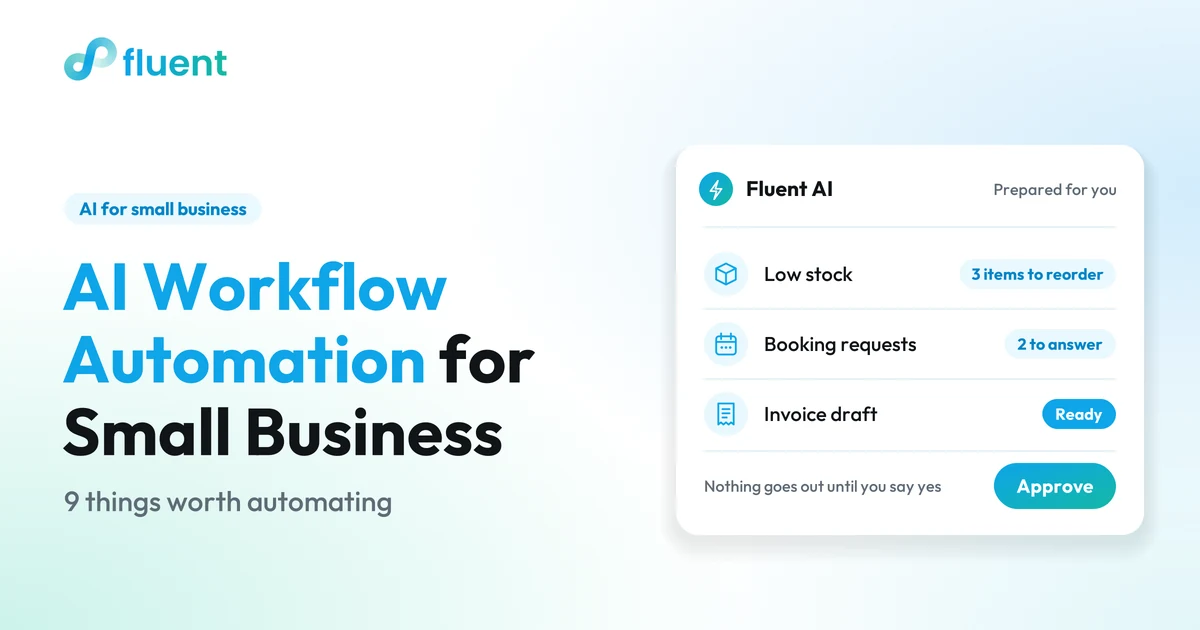
Instead of you opening five reports, the assistant checks them and brings the few things that matter to the top when you ask how the day looks: a best seller running low, an open shift, an ingredient whose cost has gone up, booking requests still waiting for a reply and free slots in tomorrow's diary. The value is triage: knowing where to look first.
Draft routine work for your approval
This is where an assistant can save you time. It prepares a first version, and you decide:
- a rota draft for next week, built around the expected busy periods;
- a supplier order draft for the best sellers that will run out within about a week, with the supplier and delivery date filled in, and without the slow movers you don't need more of;
- an invoice or quote built from a completed order, ready for you to check before it's sent;
- a reply to a booking request: accept it, decline it or offer another time;
- a follow-up message for customers who have agreed to hear from you, such as regulars who haven't been back for a while.
You read it, change what's wrong and approve it. Nothing is sent or changed until you do. For more jobs worth handing over, and what to check in each one, see our guide to AI workflow automation for small business.
Put outside context next to your numbers
Demand at a local business depends on things outside the door. Rain closes a terrace, a concert brings walk-ins, a supplier raises prices, school holidays empty the early appointments. Your own records already hold much of that history: ask what sold on last year's market weekend, or which hours were busiest during the last school holidays, and you have a baseline in seconds. An assistant can bring signals like weather, local events and supplier prices into the same view as your sales and suggest adjustments, as long as it's clear that these are estimates. You add what only you know, such as a private party booked by phone or roadworks outside, and decide how far to adjust.
What can't an AI assistant do (yet)?
Being clear about the limits is what makes an assistant safe to use.
- It can't see what isn't recorded. If waste isn't logged, it can't tell you about waste. If stock counts are months old, its stock answers will be too.
- It can't guarantee a forecast. It can estimate demand from your history and known events, but demand stays uncertain. A good assistant tells you which assumptions an estimate depends on.
- It shouldn't make decisions about people. Drafting a rota, or adding up hours and sales per team member, is fine. Judging who performs well from sales figures alone is neither fair nor reliable, and sensitive conversations stay with you.
- It isn't your lawyer, accountant or pharmacist. It can summarise and tell you what to check, but legal, tax and professional decisions need a qualified person.
- It can be confidently wrong. Language models sometimes produce answers that sound right and aren't. That's exactly why evidence and approval matter.
A worked example: from question to approved order
Here is what a good interaction looks like, with sample figures for a small shoe shop:
- You ask: "Which products need attention before we reorder?"
- It answers: "Your best seller, the brown ankle boot, has about 2.7 days of stock left."
- It shows the evidence: 12 pairs sold in the last four days, an average of 3 a day, and 8 pairs in stock. 8 ÷ 3 = 2.7 days. It notes that this is an estimate based on recent sales, not a guarantee.
- It prepares a step: a draft order for 12 pairs from your usual supplier, with a proposed delivery date. Two slow sellers with no sales in 30 days stay off the order.
- You decide: you check the supplier's delivery time, change the quantity if you want and approve. Until then, nothing has been sent.
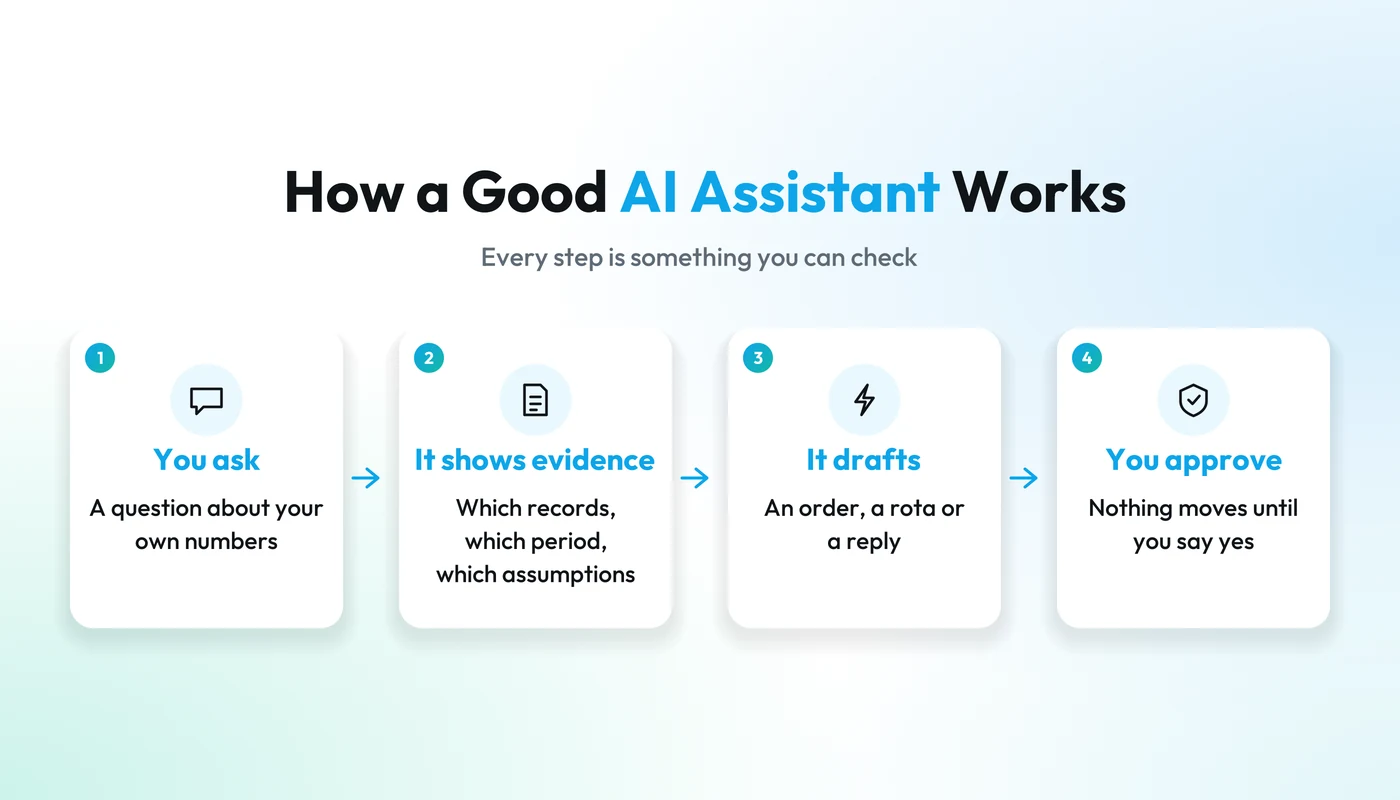
Every step is something you can check. If an assistant can't show you step 3, treat step 2 with caution.
How to judge an AI assistant before you trust it
Six questions to ask any provider, including us:
- What data can it access? Is it connected to your sales, stock, bookings and rota, or do you export and paste? Can it only read, or can it also act?
- Does it show its evidence? For any answer, can you see which records it used, for which period, and which assumptions are involved?
- Does anything happen without your approval? Orders, invoices, refunds, messages to customers, rota or booking changes: do they stay drafts until you say yes?
- Where is your data stored, and who processes it? Ask where it's hosted, which outside providers (including the AI model provider) receive it, and how they meet the data protection rules where you operate.
- Does it fit how you already work? An assistant inside the system you already use beats yet another app you have to remember to open.
- Can you start small? One workflow for a few weeks, then decide.
| Good sign | Warning sign |
|---|---|
| Answers point to your own records and dates | Answers with no source |
| Forecasts state their assumptions | Promises of exact predictions or guaranteed savings |
| Actions arrive as drafts for you to approve | Things happen automatically by default |
| A clear answer on where data is stored | Vague answers about data |
For a longer checklist and a two-week trial plan, see our buyer's guide to AI software for small business.
How to get started: a 30-day plan
- Week 1: pick one recurring question. Choose something you already check by hand, such as "what needs reordering?" or "what does tomorrow look like?".
- Week 2: compare its answers with yours. Where they differ, find out why. Often it's a gap in the data, such as a delivery that was never booked in.
- Week 3: let it draft. Ask for the supplier order, next week's rota or a reply to a booking request, edit the draft, and note what you had to change.
- Week 4: decide. Keep it, add a second workflow, or stop. Fewer surprises and less time on admin are the signs that it's working.
Practical tip
Clean data beats clever AI. Before you start, make sure sales go through the till, deliveries are booked in and stock counts are recent. An assistant can only be as good as the records behind it.
Where Fluent AI fits
Fluent AI is the assistant across Fluent's systems for restaurants and cafés, shops, food producers, appointment businesses and events. It works from the orders, payments, bookings, stock and team information already in Fluent, and brings in outside context such as the weather, local events and supplier prices. Ask for a business pulse and it brings up revenue for today, this week and this month, pending payouts and low-stock alerts. Ask about stock and it flags what will sell out within about a week, what hasn't sold in 30 days and what to reorder, then drafts the supplier order, with the supplier and delivery date, for you to confirm. It drafts next week's rota around the expected busy periods, finds your top, lapsed and new customers, drafts invoices and quotes, proposes answers to booking requests and imports a supplier invoice from a photo or PDF.
Every answer shows the records behind it and where a forecast still depends on assumptions, and nothing goes out until you approve it. On data: customer records, orders and payment records are stored in Zürich, and Fluent AI always uses the most advanced AI models available; our trust page has the details. The demonstrations on our site use sample data, so book a short demo to confirm which AI workflows fit your setup.

FLUENT AI
One conversation. Your whole business in view.
Ask about your business, explore the evidence and prepare the next step. A useful assistant for the decisions and work in your day.
Frequently asked questions
Do I need technical skills to use an AI assistant?
No. If you can write a message, you can ask a question. What helps more than technical skill is keeping your records up to date, because the assistant's answers depend on them.
Will an AI assistant replace my staff?
No. It takes over checking and first drafts, such as summaries, rota drafts, supplier orders, invoices and replies to booking requests. Serving guests, advising customers and decisions about people stay with you and your team.
Is it safe to connect my business data to an AI assistant?
That depends on the provider. Ask where your data is stored, which third parties process it, who can access it and whether actions need your approval. A trustworthy provider answers these questions clearly and in writing.
How accurate are AI forecasts for a small business?
They are estimates based on your history and known events, not guarantees. A good assistant shows its assumptions, and comparing its estimates with what actually happened tells you how far to rely on them.